Katch the Ick: See Who Someone Recently Followed on Instagram (Chrome Extension Guide)
A step-by-step guide to Katch the Ick, the Chrome extension that takes a baseline snapshot of an Instagram profile and detects new followers and following changes in your browser.
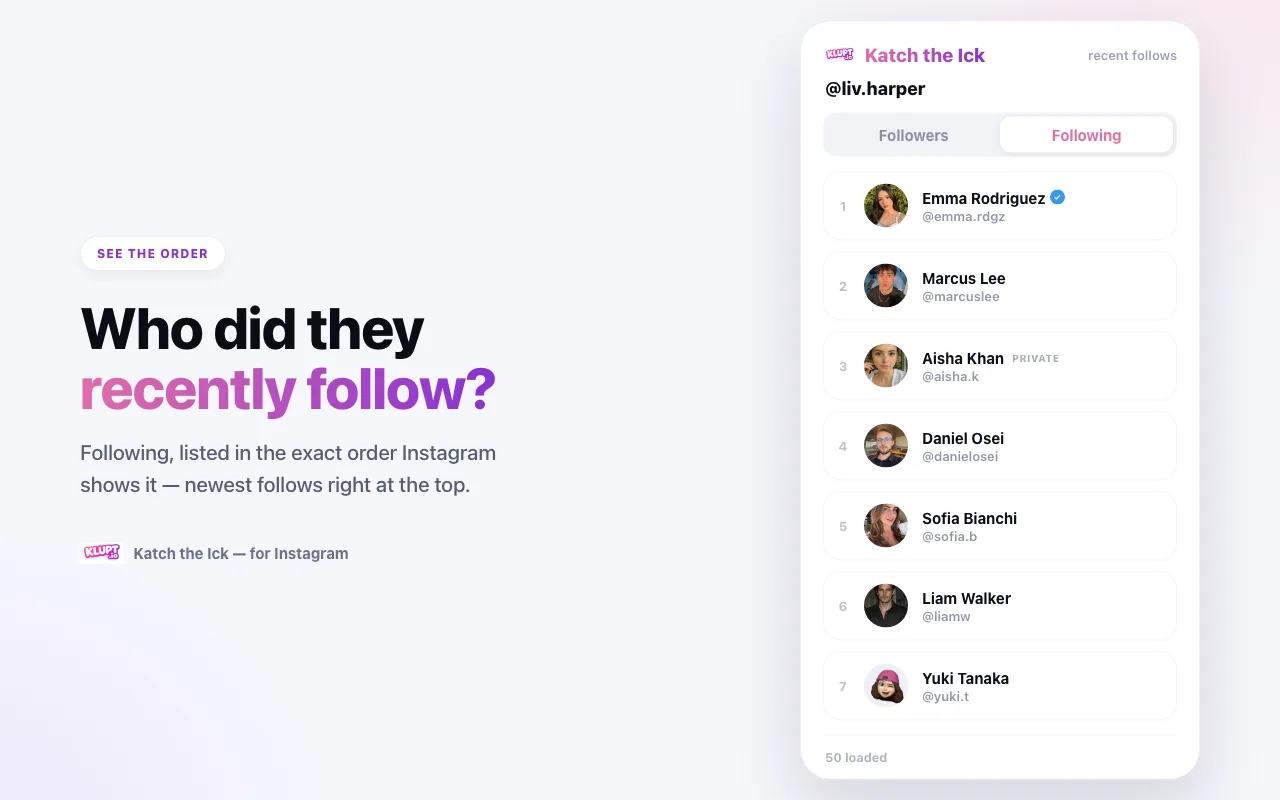
You noticed the follower count tick up. Or a new name you didn't recognize showed up in their following list for a second, then seemed to vanish into the pile. You want a straight answer: who did they just follow?
Instagram won't give you that answer from the list itself. On someone else's profile, the default order is personalized and not chronological; it can mix a years-old follow with one made yesterday. Katch the Ick works around that limitation by taking a snapshot in your browser and comparing it with later snapshots, so it can identify changes detected after you start watching.
This guide walks you through installing it, using it, and reading the list correctly.
What Katch the Ick Does
Katch the Ick is a browser extension for Chrome (and Chromium browsers like Edge, Brave, and Arc). Once installed, you open any Instagram profile, click the icon, and it lists that profile's:
- Following — the current accounts they follow, used as a comparison baseline
- Followers — the current accounts that follow them, used as a comparison baseline
Each row is a clean card: profile photo, display name, @handle, and small badges for verified ✔ and private accounts. Tap any card to open that person's profile.
That's the whole idea — no dashboard to learn, no account to create. It reads the data through your Instagram login and compares what is visible now with what was visible during the previous sync.
Why Instagram Hides Who Someone Recently Followed
If you've ever tried to do this by hand, you already know the problem. Open a profile, tap "Following", and scroll. The list is not in time order. Instagram ranks it by its own relevance signals, so the person at the top isn't the newest follow — it's whoever Instagram thinks matters to you.
That makes manual checking almost useless:
- The order changes every time you open it.
- You'd have to remember every account they already followed to spot a new one.
- On accounts that follow thousands of people, a single new follow is a needle in a haystack.
Katch the Ick cannot change Instagram's ranking or recover a hidden follow timestamp. Instead, it saves the visible list and compares account IDs on later syncs. That works even when Instagram reshuffles the display order.
Step 1 — Install Katch the Ick from the Chrome Web Store
- Open the Katch the Ick page on the Chrome Web Store.
- Click Add to Chrome, then confirm with Add extension.
- Click the puzzle-piece Extensions icon in your toolbar and pin Katch the Ick so its icon stays visible. This makes it one click to open on any profile.
The extension works in Chrome, Edge, Brave, Arc, and other Chromium-based browsers.
Step 2 — Log In to Instagram (With Your Own Account)
Go to instagram.com and log in the way you always do. This matters: Katch the Ick doesn't have its own login and never asks for your password. It simply reads follower data through the session you're already logged into — the same session the Instagram website uses — so nothing leaves your browser and there's no third-party scraping service in the middle.
Step 3 — Open a Profile and Launch the Extension
Visit the profile you want to check. When you land on a profile page, the extension icon shows a small badge to tell you it's ready. Click the Katch the Ick icon in your toolbar (or the on-page prompt that appears on the profile) to open it.
Step 4 — Take a Baseline, Then Sync for Changes
Now the useful part. At the top you'll see the profile you're viewing, with two tabs: Followers and Following. The first load establishes the baseline; later syncs compare each list with the stored snapshot.
New accounts found in a later snapshot are detected as new activity. Switch to the Followers tab to detect people who newly appeared there too. Older entries are baseline data, not dated historical follows.
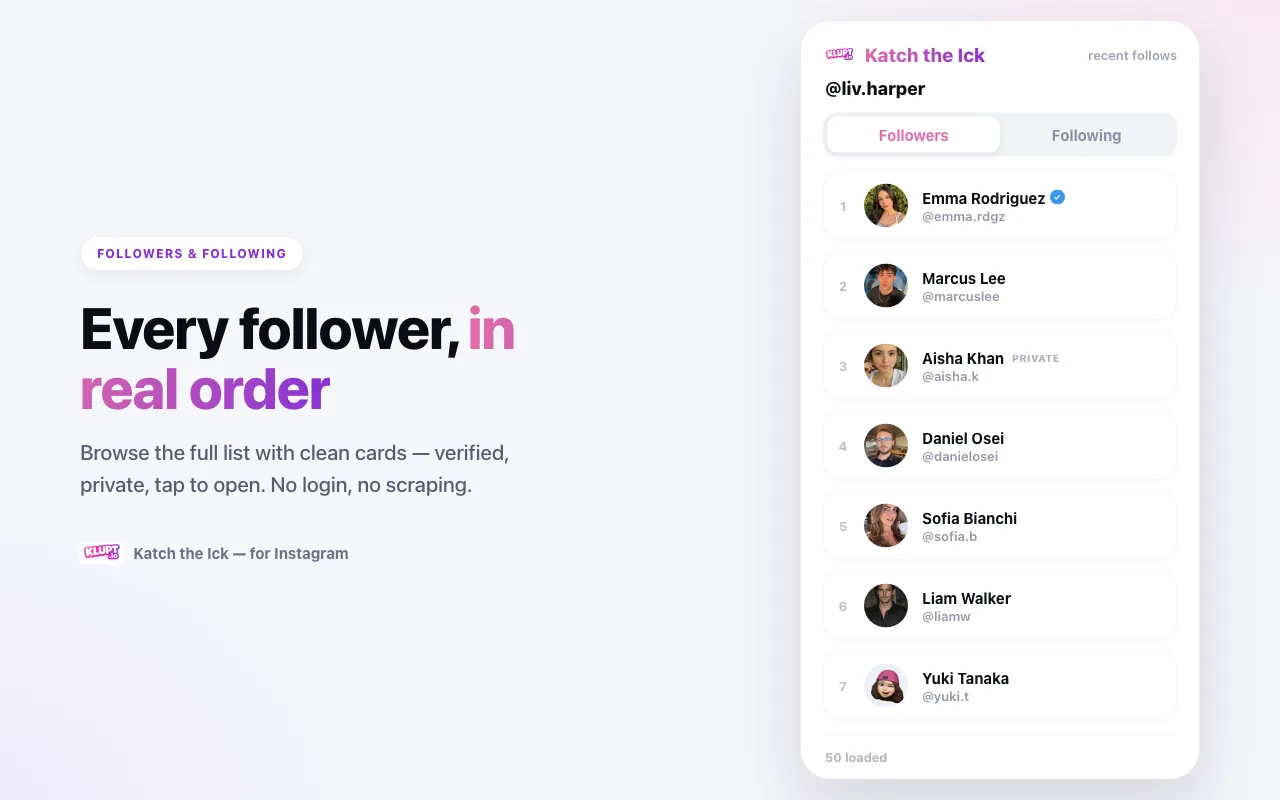
A few things worth knowing as you read:
- The first snapshot is a baseline, not a chronological ranking.
- Private and verified badges appear right on the card, so you can tell at a glance.
- Click any card to jump straight to that person's Instagram profile.
- Use Load more at the bottom to page further back through the list.
Free Preview vs. the One-Time Unlock
Katch the Ick lets you preview the first several rows of any profile for free — enough to start spotting new follows on most profiles. To see the full followers and following lists with no limit, there's a single one-time unlock. It's lifetime access, not a subscription, and it's tied to your device.
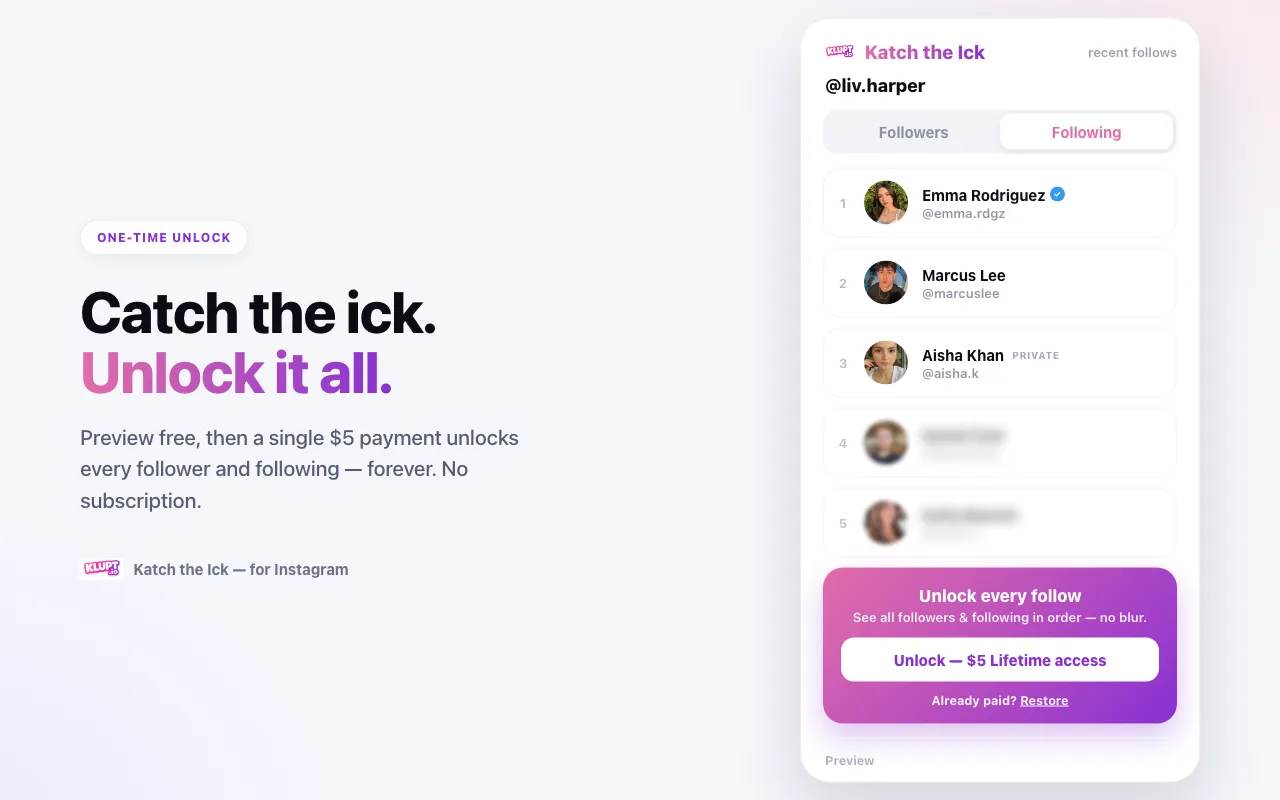
If you already paid and switched computers, use the Restore link on the unlock screen to get access back.
What You Can (and Can't) See
Katch the Ick only shows what your own Instagram account is allowed to see. That means:
- ✅ Any public profile — the visible followers and following lists, plus changes detected after syncing.
- ✅ Private accounts you already follow — because you're allowed to see their list.
- ❌ Private accounts you don't follow — Instagram won't return the list to your session, and the extension doesn't try to bypass that.
It doesn't guess gender, it doesn't scrape from a third-party database, and it doesn't touch anything you're not already permitted to view. It's the same data Instagram would show you — just tracked over time, so you can see what's new.
Is It Safe and Private?
A fair question for anything that touches your Instagram. Here's the honest breakdown:
- Your password stays yours. You never enter it into the extension. It rides your existing browser login.
- The follower data you look at stays on your device. The lists you view aren't uploaded or stored on a server.
- No actions are taken on your behalf. It never follows, unfollows, likes, or messages anyone, so there's nothing for the other person to notice.
- Use it at a human pace. Instagram rate-limits heavy, repeated paging. If you hammer "Load more" through thousands of rows over and over, you may hit a temporary error (HTTP 429). Wait about a minute and it clears.
Viewing who someone follows is public information for public accounts — the same thing you could see by scrolling their profile manually. Katch the Ick just makes that readable.
Troubleshooting
The icon is greyed out or nothing loads. Make sure you're logged in to Instagram in the same browser, and that you're actually on a profile page (not the feed or Explore). Refresh the profile and try again.
"Load more" stops or shows an error. You've likely been rate-limited for paging too fast. Give it a minute, then continue.
A private profile shows nothing. You can only see a private account's list if you follow them. That's Instagram's rule, not a bug.
I expected the top row to be the newest follow. That is not reliable on another person's Instagram profile. Use the extension's first snapshot as a baseline and run a later sync to identify newly added accounts.
Katch the Ick vs. Doing It on the Website
Manually, you'd open the profile, tap Following, and scroll a shuffled list from memory. With the extension, you click once and read a numbered, newest-first list with badges and one-tap profile links. Same information — one is a chore, the other is a glance.
If you'd rather track a profile over time and get a notification when a new change is detected — without opening anything — that's what the Klupt web tracker and its Telegram bot are for. The extension is the browser-based snapshot tool; the tracker is the scheduled monitoring option.
Frequently Asked Questions
Is Katch the Ick free? Yes — you can preview the first several rows of any profile's followers and following for free. A one-time unlock (lifetime, no subscription) reveals the full lists.
Do I need to give it my Instagram password? No. The extension never asks for your Instagram password. It reads data through your own browser session after you log in to instagram.com normally, so all requests use your existing login — the same way the Instagram website does.
Will the person know I looked at their followers? No. Viewing a profile's follower or following list is not something Instagram notifies people about, and Katch the Ick does not follow, like, or message anyone. There is no trace on their end.
Whose lists can I see? Any public profile, plus private accounts you already follow. You can only see what your own Instagram account is allowed to see — the extension does not bypass privacy.
Why does the order look different from the app? Instagram's default order is relevance-based and can change between visits or viewers. Katch the Ick does not claim to recover a secret chronological order; it compares snapshots so a newly observed account can be identified despite that reshuffling.
Is it safe and against Instagram's rules? It reads only publicly visible data through your own session and does not automate actions like following or liking. To stay safe, avoid loading huge lists over and over in a short time — Instagram rate-limits heavy paging and may briefly return errors (a 429). Wait a minute and try again.
Get Started
Install Katch the Ick from the Chrome Web Store, open any profile, and the newest follows will be sitting right at the top.