Does Instagram Notify When You Screenshot a Story? (2026 Answer)
No. Instagram does not tell anyone when you screenshot or screen record their Story, Close Friends Story or Highlight. Here is what they can see, the one place screenshots are blocked, and how to view a Story without showing up at all.
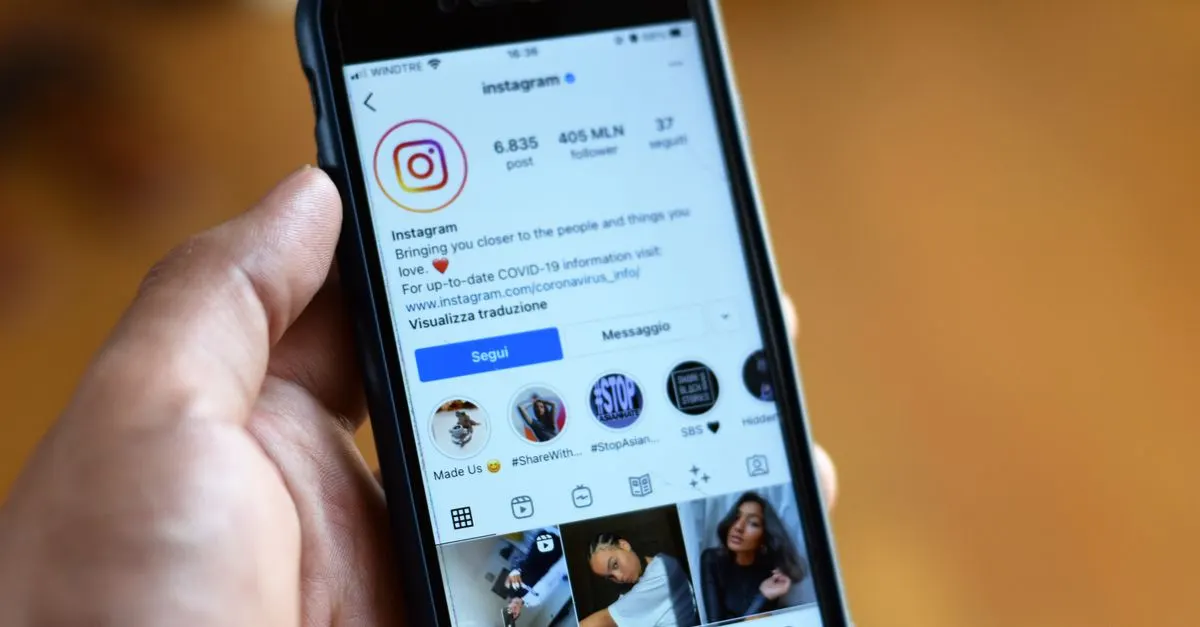
No. Instagram does not notify anyone when you screenshot their Story. It also does not notify them when you screen record it, and the same goes for Close Friends Stories and Highlights. There is no alert, no little icon next to your name, and no screenshot counter.
But there is a catch that most people miss: the screenshot is silent, the view is not. If you open the Story from your own account, your name is in their viewer list. That's usually the part that gets people caught.
The quick answer, by type
| What you capture | Does the person get notified? |
|---|---|
| A normal Story (photo or video) | No |
| A Close Friends Story | No |
| A Story Highlight | No |
| Screen recording a Story | No |
| A Story someone shared to your DMs | No |
| A view-once or allow-replay photo/video in DMs | Screenshot is blocked |
| Any screenshot inside a Vanish Mode chat | Yes, they are told |
So for Stories, you can screenshot freely. Private messages are the only place where Instagram cares about screenshots.
"But my friend said Instagram shows a star when you screenshot"
That was real, for a short time. In early 2018 Instagram tested a feature that showed a small star-shaped icon in the viewer list next to anyone who screenshotted a Story. People hated it, and Instagram removed it a few months later. It never came back, and Instagram has not announced any plan to bring it back.
If you see a TikTok or a blog saying "Instagram now notifies Story screenshots," check the date. It is almost always about that 2018 test, or it confuses Stories with disappearing DMs.
What the person CAN see
Even without screenshot alerts, someone can still learn a lot from their Story:
- Who viewed it. Your username appears in their viewer list as soon as you open the Story, and it stays there while the Story is live. They can also check it in their Story archive for a short while after it expires. Here is how the viewer list works.
- The order of viewers. The list is not random, but it also does not mean "who stalks you the most." We explain the order here.
- Replies and reactions. If you react with an emoji or reply, they get a DM. Easy to do by accident when you tap the screen.
- Story likes. Tapping the little heart sends them a like. Again, easy to hit by mistake.
So the risk is not the screenshot. The risk is the view, the accidental like, or the accidental reaction.
Where screenshots ARE blocked or reported
Instagram only protects screenshots in private messages:
- View-once and allow-replay photos and videos. As part of Meta's safety push against sextortion, Instagram now blocks screenshots and screen recordings of these. You get a black image instead. You also can't open them on Instagram for web, so the old "open it on a laptop" trick doesn't work.
- Vanish Mode chats. If you screenshot inside a Vanish Mode conversation, the other person sees a message in the chat that you took a screenshot.
Normal DMs, normal photos you send, and Stories shared into a chat are not protected. Full breakdown for posts, DMs and profiles.
How to see a Story without appearing in the viewer list
If what you really want is to look at someone's Story without them knowing, the screenshot was never the problem. The view is. A few options:
- Use an anonymous story viewer. A tool like Klupt's story viewer loads the Story on its own server, so your account never touches it and your name never appears in the viewer list. It only works for public profiles.
- Use a second account. It works, but the person still sees a view from an account they might recognise, and Instagram links accounts that log in on the same phone.
- The "swipe half way" trick. You can peek at the next Story by holding and slowly swiping from the previous one. It is unreliable, it only shows the first frame, and if you let go at the wrong moment it counts as a view.
- Airplane mode. This used to work years ago. Today the view is usually sent when you go back online, so don't count on it.
No method works for private accounts you don't follow. Any site that says it can show private Stories is lying, and most of them only want your login. Why private viewers don't work.
Is it okay to screenshot someone's Story?
Legally, screenshotting a public Story for yourself is generally fine. Reposting it is a different thing: their photo is their content, and sharing it can break Instagram's rules or copyright, and it can hurt people. Screenshotting a private Close Friends Story and sending it to others is how a lot of drama starts. Use common sense.
FAQ
Does Instagram notify when you screenshot a story? No. There is no alert and nothing changes in the viewer list.
Can people see if you screenshot their Instagram story? No. They can see that you viewed it, but not that you took a screenshot.
Does Instagram notify when you screen record a story? No. Screen recording works the same as a screenshot.
Does Instagram notify when you screenshot a Close Friends story or a Highlight? No. Both follow the same rule as normal Stories.
Where does Instagram stop or report screenshots? Only in DMs: view-once and allow-replay media are blocked, and Vanish Mode tells the other person.
Can someone see that I watched their story if I screenshot it? They see the view, not the screenshot. Use an anonymous story viewer if you don't want to appear in the list.