How to See When Someone Followed You on Instagram (The Exact Date)
Instagram hides follow dates in the app, but your data download has the date and time of every follower. Step by step, plus quick checks for recent follows.
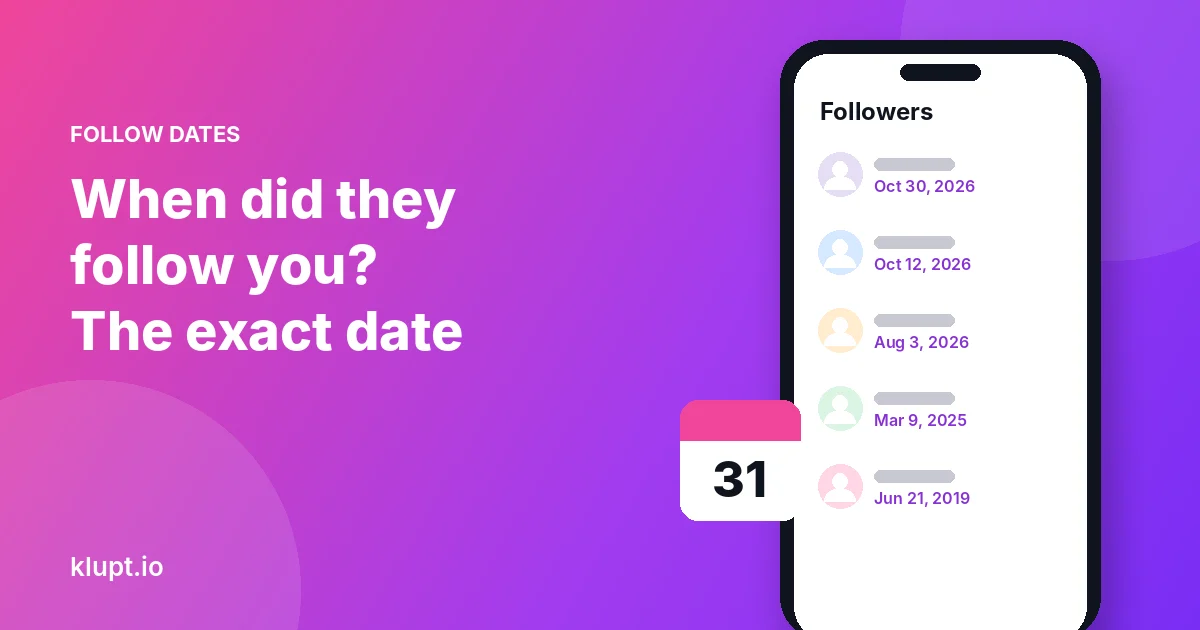
Instagram doesn’t show follow dates in the app, but it does keep them. Your Instagram data download includes the date and time for every follower you have and every account you follow. Request “Followers and following” in JSON format, download the file, and you can see exactly when each person followed you, including who followed you first.
For something that happened in the last few days, a faster check is your notifications.
A follow date is the moment an account started following you. Instagram stores it as a timestamp with each follower, but it only shares it with you, the account owner, through Accounts Center.
Quick answer: which method to use
| What you want to know | Where to look | Exact date? |
|---|---|---|
| Who followed you in the last few days | Notifications (heart icon) | Roughly (“3d”, “1w”) |
| When you followed someone | Your Following list → sort by Date followed | Order only |
| When anyone followed you, ever | Data download (JSON) | ✅ Date and time |
| Who followed you first | Data download, sorted oldest first | ✅ |
| When someone else followed another account | Not available | ❌ (order only) |
Method 1: Notifications (recent follows)
- Tap the heart icon at the top of your feed.
- Look for “[name] started following you”. Instagram shows how long ago it happened, such as 2h, 3d or 1w.
- Older follows get grouped (“[name] and 12 others started following you”) and eventually drop out of the list.
Good for “did they just follow me?”. Useless for anything older than a few weeks.
Method 2: Your data download (exact dates)
This is the only way to get exact dates for all your followers.
Step 1: Request the file
- Open your profile, tap the menu (three lines), then Accounts Center. Some accounts see Meta Account instead.
- Go to Your information and permissions → Export your information.
- Tap Create export, pick your Instagram profile and tap Next.
- Choose Export to device, then select only Followers and following. Leaving everything else out makes the file much faster to prepare.
- Set Date range: All time and Format: JSON.
- Tap Start export.
Use JSON, not HTML. The HTML version of the download doesn’t include follow dates. If you already have an HTML file, request it again in JSON.
Step 2: Download it
Instagram notifies you when the file is ready. For followers only, that’s often within minutes; big accounts can take longer. Download the .zip from the same Export your information screen. It stays available for 4 days.
Step 3: Read the dates
Inside the .zip, the lists are in connections → followers_and_following:
- followers_1.json (and followers_2.json and so on for big accounts): your followers
- following.json: the accounts you follow
Each account comes with a timestamp in Unix time, which isn’t readable by eye. The easy way is Klupt’s free Instagram follower export: drop in the .zip and you get every follower and every account you follow with the date and time, newest first, plus a CSV that opens in Excel or Google Sheets. Nothing is uploaded; your browser reads the file on your own device.
Who followed you first?
Sort the list oldest first. In the follower export, download the CSV and sort the date column ascending in Excel or Sheets. The top row is your first follower that still follows you today.
Two things to know:
- Only current followers are in the file. Someone who followed you in 2015 and unfollowed in 2020 won’t appear.
- Re-follows reset the date. If someone unfollowed and followed you again, the file shows the newer date.
When did you follow someone?
That one is easier. Open your profile, tap Following, then the sort icon, and pick Date followed: Latest or Date followed: Earliest. Instagram added this sort in February 2020. It shows the order, not the date; the data download has the exact date for each account you follow.
Can you see when someone else followed another account?
Not the exact date. Instagram only gives dates for your own account. For another person’s public profile, the best you can get is the order of their recent follows. Since Instagram’s September 2026 update, the app no longer reliably shows that order, but Klupt still does: it shows who a public profile recently followed, newest first, and can send a Telegram alert when they follow someone new, so you know roughly when it happened. More on how the order works in Instagram following list order explained.
Use the same file to find unfollowers
Your followers download also answers “who unfollowed me?”. Download it twice, a few weeks apart, and compare. Klupt’s free Instagram unfollowers checker does the comparison for you, and also shows who doesn’t follow you back from a single file. Guides: who unfollowed you and who doesn’t follow you back.
Avoid tools that ask for your password
Some apps promise follow dates or follower history if you sign in with Instagram. They read your account through your login, which can trigger Instagram’s security checks or get your account restricted, and some simply steal the login. Your own data download is the official source and needs no third party at all.
FAQ
Can you see when someone followed you on Instagram?
Yes, through your data download in JSON format. It has the date and time of every follower.
Does Instagram show the date someone followed you?
Not in the app. Notifications show how long ago for recent follows only.
How do I see who followed me first on Instagram?
Download your followers in JSON and sort them oldest first.
Can I see when I followed someone?
Sort your Following list by Date followed, or check the exact date in your data download.
Can I see when someone followed another person?
Not the exact date. Klupt shows the order of a public profile’s recent follows, newest first.
Is it safe to upload my Instagram data file?
With Klupt’s follower export nothing is uploaded. Never give a tool your Instagram password.