Katch the Ick for Safari — See Who Someone Recently Followed on Instagram (Mac Guide)
Install Katch the Ick on Safari for Mac and see who someone recently followed on Instagram. A notarized Mac app that snapshots a profile and detects new followers and following changes — no password, runs in your browser.
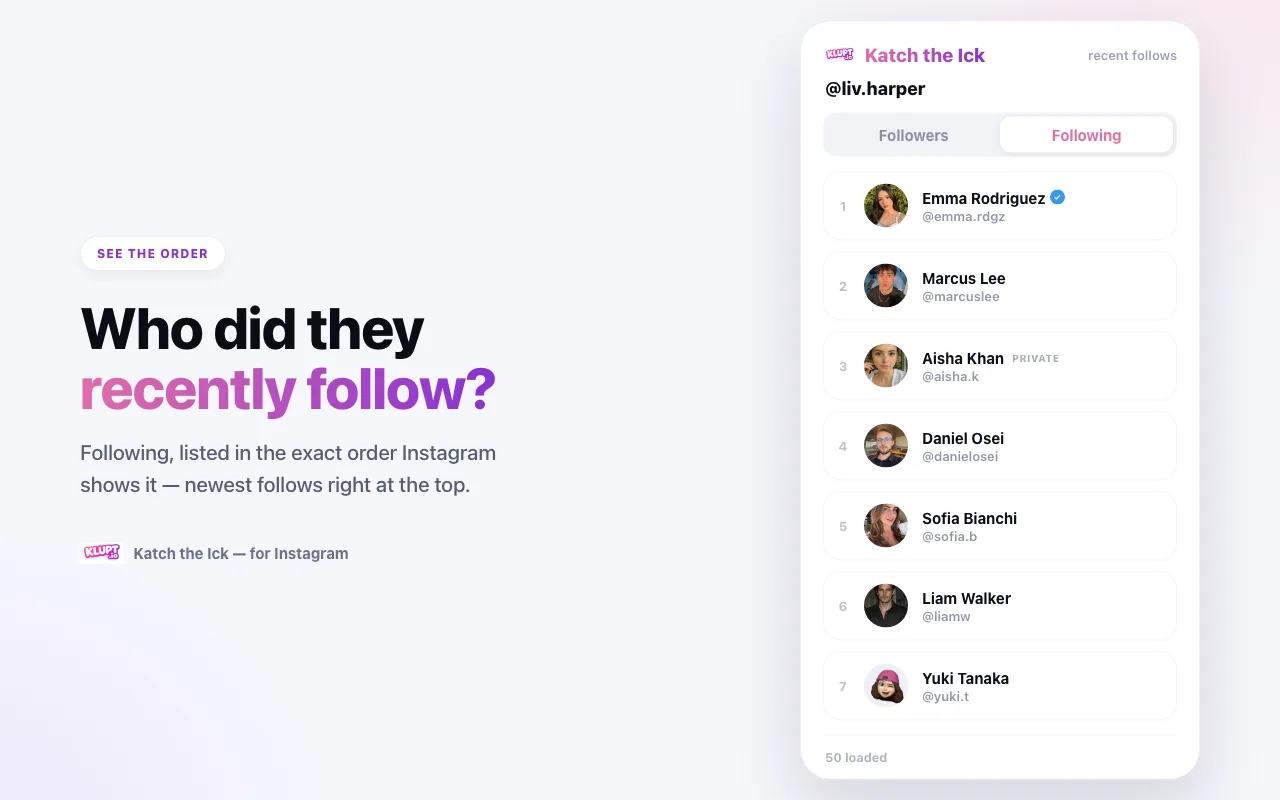
If you're on a Mac and you live in Safari, you don't have to switch to Chrome to catch someone's recent follows. Katch the Ick has a Safari version — a small, Apple-notarized Mac app that adds the same extension to Safari and answers the same question: who did they just follow?
Instagram won't tell you from the list itself. On someone else's profile the following list is personalized, not chronological, so a new follow can hide anywhere. Katch the Ick works around that by taking a snapshot in your browser and comparing it with later snapshots, so newly followed accounts stand out even when Instagram reshuffles the order.
This guide covers installing it on Safari for Mac, enabling it, and reading the list correctly.
What You Get on Safari
It's the same tracker as the Chrome version, running inside Safari. Open any Instagram profile, click the toolbar icon, and it lists that profile's:
- Following — the accounts they currently follow, used as a comparison baseline
- Followers — the accounts that currently follow them, used as a comparison baseline
Each row is a clean card with the profile photo, @handle, and verified ✔ / private badges. It reads the data through your Instagram login and compares what's visible now with the previous sync — no account to create, no password to hand over.
Why It's a Mac App (and Why That's Safe)
On Safari, an extension ships inside a normal Mac app rather than a web store listing. The Katch the Ick app is signed with an Apple Developer ID and notarized by Apple, which means macOS Gatekeeper trusts it and opens it without the "unidentified developer" warning. You are not side-loading anything sketchy — it's the same trust model as any Mac app you download outside the App Store.
Step 1 — Download the App
Head to the Katch the Ick page and click Get it for Safari (on a Mac, Safari visitors see that button highlighted). It downloads a .dmg file. You can also grab it directly at klupt.io/download/katch-the-ick.dmg.
Step 2 — Install It
Open the downloaded .dmg, drag Katch the Ick into your Applications folder, then open it once from Applications. The app shows a short walkthrough for turning the extension on — you can close it after.
Step 3 — Enable the Extension in Safari
Open Safari → Settings (⌘,) → the Extensions tab, and tick the Katch the Ick checkbox. Because the app is notarized, it shows up here normally — you do not need Safari's "Allow Unsigned Extensions" developer toggle.
Its icon then appears just left of the address bar. If you don't see it, right-click the toolbar → Customize Toolbar and drag the icon up.
Step 4 — Allow It on Instagram
Still in Settings → Extensions, select Katch the Ick and set access for instagram.com to Allow. The simplest choice is "Always Allow on Every Website," which also lets profile photos and the full lists load (Safari grants site access per website).
Step 5 — Log In and Track
Go to instagram.com, log in as you normally would, and open any public profile (or a private one you already follow). Click the Katch the Ick icon in the toolbar.
The first load establishes a baseline; a later sync compares each list against that snapshot and surfaces every newly detected follow and follower, newest first, with verified and private badges.
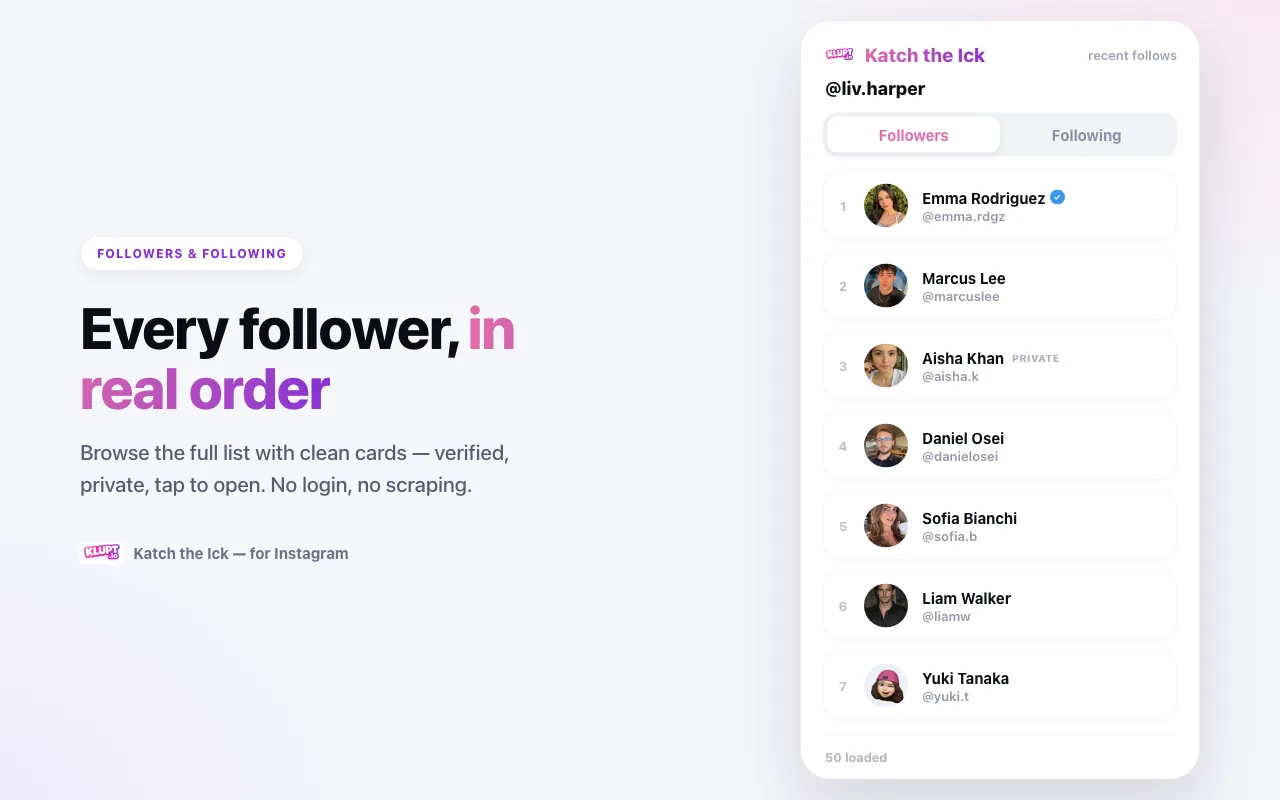
A few things worth knowing:
- The first snapshot is a baseline, not a hidden chronological history — it can't date follows from before you started.
- Click any card to jump to that person's profile.
- Use Sync now to check for new activity later.
Free Preview vs. the Unlock
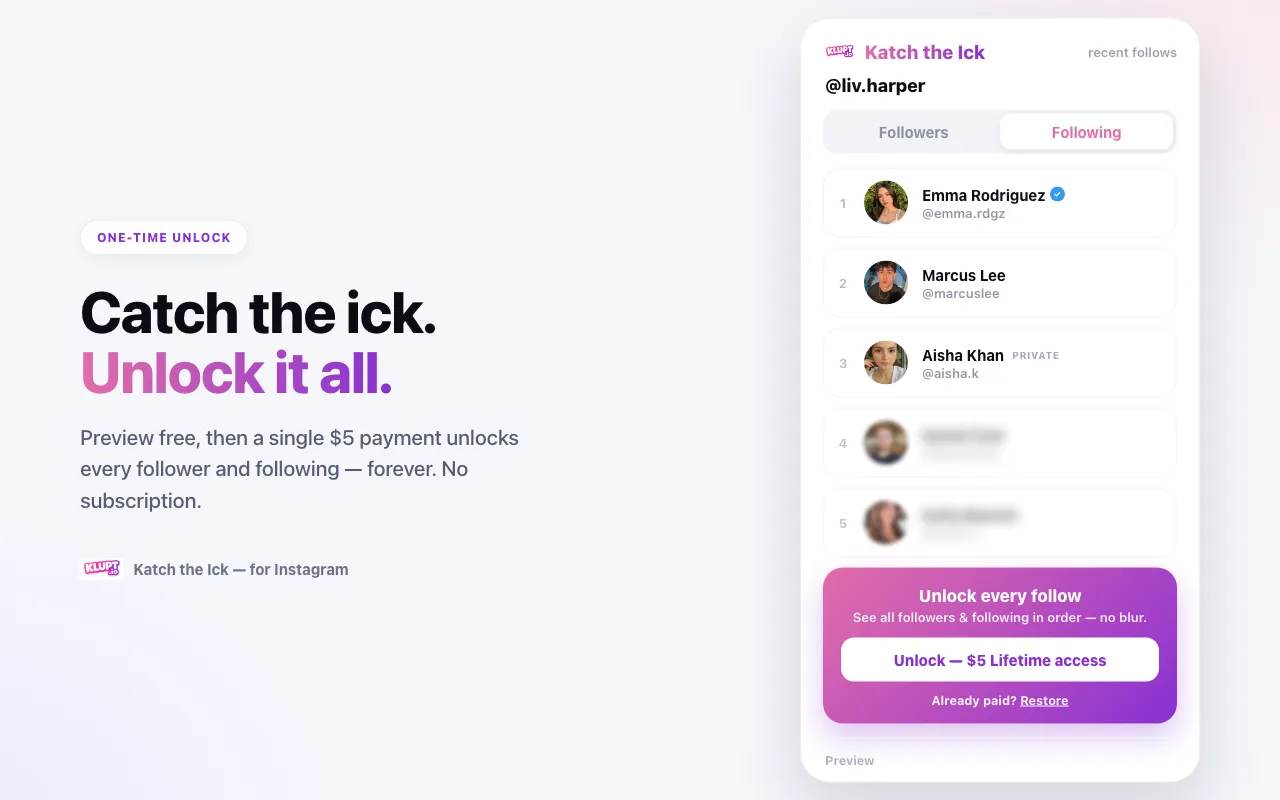
Just like on Chrome, Safari lets you preview the first several rows of any profile for free. A one-time unlock reveals the full followers and following lists with no limit.
What You Can (and Can't) See
Katch the Ick only shows what your own Instagram account is allowed to see:
- ✅ Any public profile — visible followers and following, plus changes detected after syncing.
- ✅ Private accounts you already follow.
- ❌ Private accounts you don't follow — Instagram won't return the list to your session, and the extension doesn't try to bypass that.
No password, no third-party scraping service, no actions taken on your behalf — it never follows, likes, or messages anyone.
Troubleshooting on Safari
I don't see it in Extensions. Make sure you opened the app once from Applications, then check Safari → Settings → Extensions and tick it. Quitting and reopening Safari forces a re-scan.
The toolbar icon is missing. Right-click the toolbar → Customize Toolbar and drag the Katch the Ick icon onto it.
Profile photos or lists won't load. Set the extension to "Always Allow on Every Website" — Safari's per-site permissions otherwise block the image and data hosts it needs.
"Load more" or a sync stalls. Instagram rate-limits heavy paging. Wait about a minute and try again.
Frequently Asked Questions
Does Katch the Ick work on Safari? Yes. There's a Safari version for Mac — a small notarized app that wraps the same extension. Once you enable it in Safari → Settings → Extensions, it works exactly like the Chrome version.
Is the Mac download safe? Yes. It's signed with an Apple Developer ID and notarized by Apple, so macOS opens it without warnings. You never enter your Instagram password, and the follower data you view stays on your Mac.
Does it work on iPhone or iPad Safari? The current download is the Mac (macOS) app. Mobile uses a separate app — on iPhone or iPad, use desktop for now or the Klupt web tracker.
Is it free on Safari? Yes — preview the first rows free, then a one-time unlock reveals the full lists, the same as the Chrome version.
Get Started
Get Katch the Ick for Safari, enable it in Safari's Extensions settings, open any profile, and the newest follows will be sitting right at the top.